NDI®, short for Network Device Interface
Instead of running a dedicated SDI or HDMI cable from every camera to every destination, NDI turns the network into part of the production infrastructure. A PTZ camera can send its video to a production system, recorder, monitor or decoder over Ethernet, while compatible applications can discover and select available sources dynamically.
That flexibility is one of the main reasons NDI has become widely adopted in broadcast, Pro-AV, education, corporate video, houses of worship and live production. NDI is not itself a single codec: the ecosystem supports different video formats, including NDI High Bandwidth and the more bandwidth-efficient NDI HX formats.
What Can NDI Carry?
An NDI connection can transport more than video alone. Depending on the sender and receiver implementation, an NDI workflow can include:
-
Live video
-
Multi-channel audio
-
Metadata
-
Tally information
-
PTZ control
-
Source discovery
This makes NDI especially relevant to remotely operated camera systems. A professional PTZ camera can become both a video source and part of a wider IP-based control workflow.
It is important, however, to separate these functions conceptually. NDI transport, PTZ control and electrical power are related parts of a system, but they are not the same thing. A camera may support NDI video while using VISCA over IP for certain control functions, and Power over Ethernet still requires compatible PoE hardware.
NDI High Bandwidth, HX2 and HX3: What Is the Difference?
One of the most important distinctions in NDI is the difference between its video formats.
Today, NDI identifies three principal formats: NDI High Bandwidth, NDI HX2 and NDI HX3. They are part of the same NDI ecosystem, but they make different trade-offs between network bandwidth, compression, processing requirements and latency.
NDI High Bandwidth
NDI High Bandwidth uses the SpeedHQ codec and is intended for workflows where very low latency and high image quality are priorities.
At 1080p60, NDI lists approximately 130 Mbps of bandwidth usage. Because SpeedHQ is relatively lightweight to decode, High Bandwidth NDI is well suited to production environments where responsiveness and low processing overhead are more important than minimizing network traffic.
Typical applications include:
-
Broadcast studios
-
Live switching
-
Multi-camera production
-
Graphics workflows
-
Production networks with sufficient bandwidth
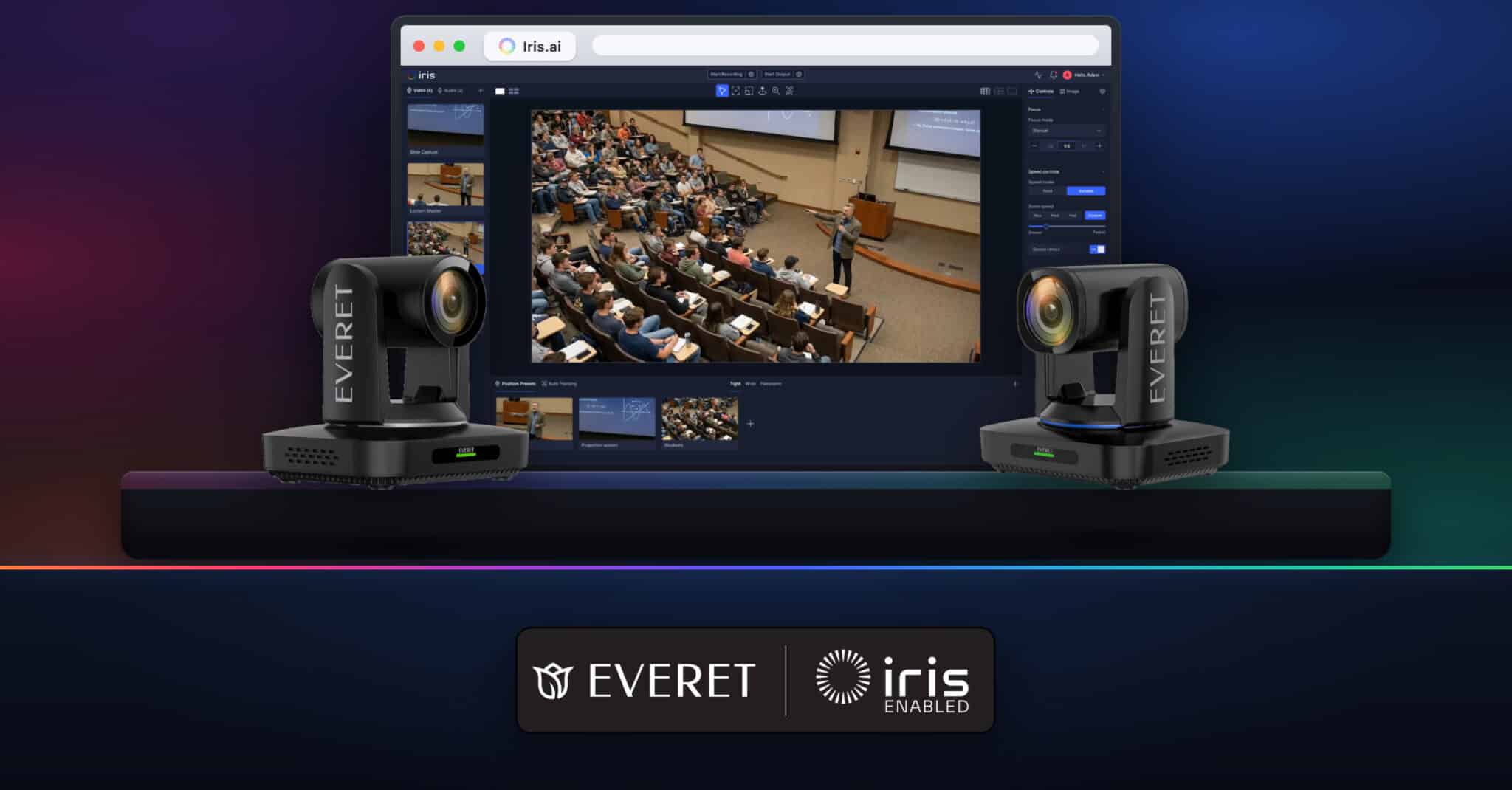
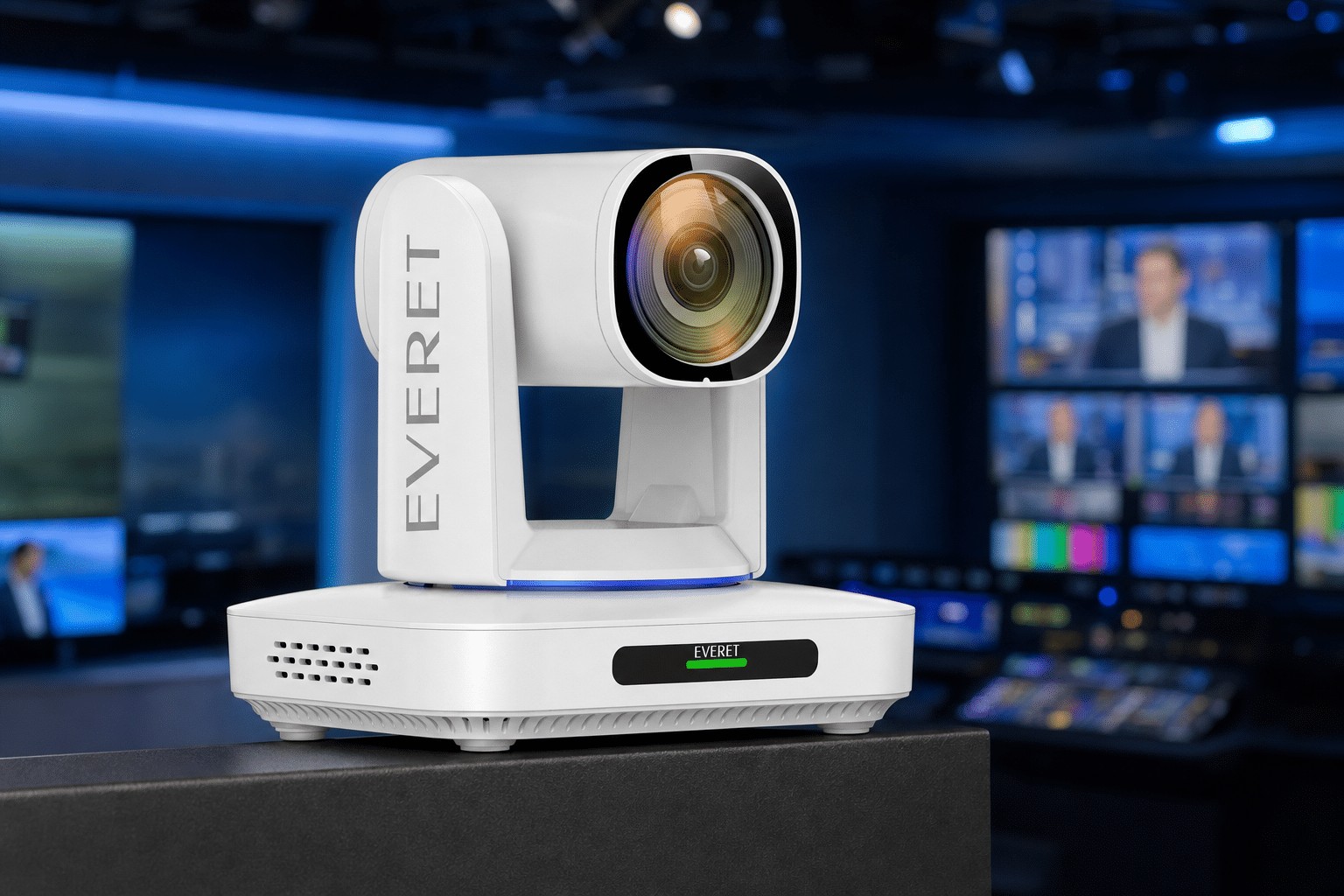
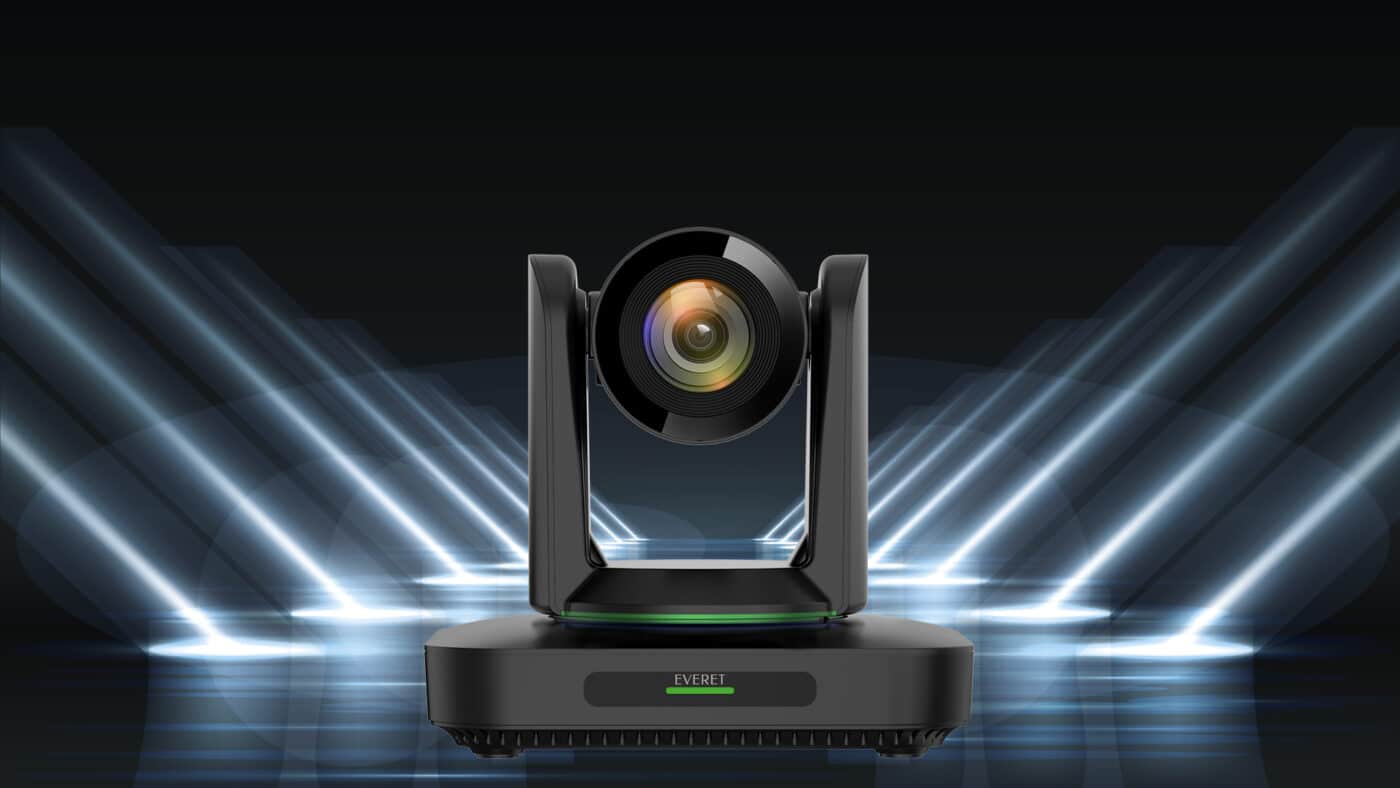
Everet’s EVN Series, including the EVN210 and EVN220, uses NDI High Bandwidth for professional Full HD workflows.
NDI HX2
NDI HX2 uses AVC/H.264 or HEVC/H.265 compression and significantly reduces required network bandwidth.
NDI specifies approximately 16 Mbps for H.264 and 11 Mbps for H.265 at 1080p60, depending on the implementation. Average glass-to-glass latency is specified at under 150 ms.
HX2 is particularly attractive when multiple cameras need to share standard Gigabit Ethernet infrastructure or where network efficiency is more important than achieving the absolute minimum latency.
Common applications include:
-
Education
-
Corporate AV
-
Conference rooms
-
Houses of worship
-
Distributed PTZ camera installations
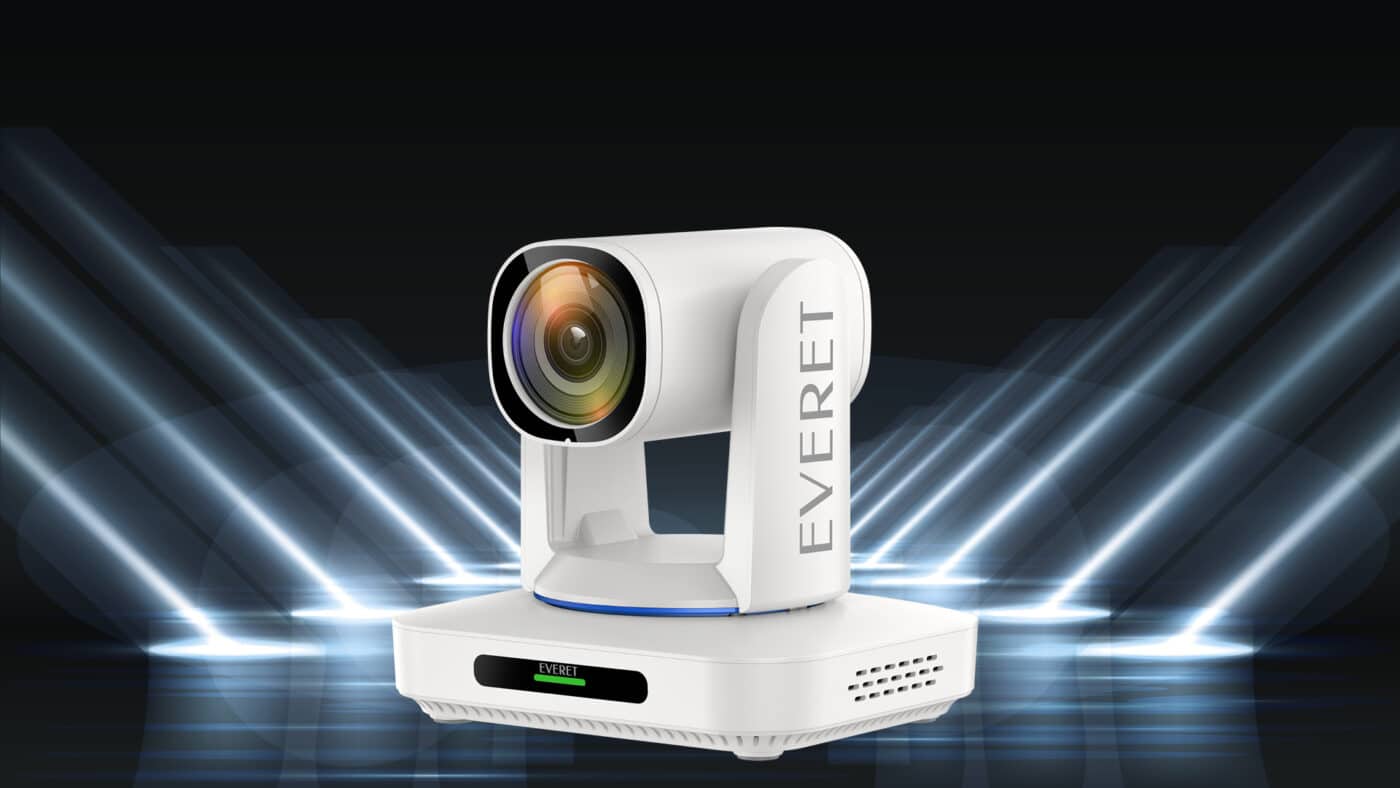
Everet’s EVP series, including the EVP312 and EVP320, uses NDI HX2.
NDI HX3
NDI HX3 is the newer high-efficiency format and is designed to bring the responsiveness of NDI closer to High Bandwidth while maintaining substantially lower network requirements.
NDI HX3 supports H.264 and H.265. According to NDI’s current published figures, a 1080p60 HX3 stream uses approximately 62 Mbps with H.264 or 50 Mbps with H.265, with average glass-to-glass latency below 100 ms.
HX3 therefore occupies an interesting position between High Bandwidth and HX2:
Everet’s EVX220 and EVX230 series support NDI HX3, while current EVPRO models can support both HX2 and HX3 depending on the selected stream and resolution.
NDI Version vs NDI Format: They Are Not the Same Thing
This distinction causes considerable confusion.
NDI High Bandwidth, HX2 and HX3 are video formats.
NDI 5, NDI 6 and later NDI releases refer to generations of the wider NDI technology platform and SDK.
A camera can therefore use an HX3 video stream while being built around a newer generation of the NDI software ecosystem.
Newer NDI generations have added functionality around areas such as discovery, security, HDR, monitoring and remote connectivity. For example, NDI 6 expanded support for HDR and made it possible for NDI Bridge functionality to be embedded directly into compatible products and applications.
For system design, it is therefore better to ask two separate questions:
Which NDI format does the device send?
and:
Which NDI platform features does the device support?
How NDI Fits Into a Professional PTZ Camera Workflow
A typical NDI PTZ production workflow can be relatively simple:
PTZ Camera → Ethernet / PoE → Managed Network Switch → Production System
From the switch, the camera stream can become available simultaneously to different compatible destinations, such as:
-
vMix
-
TriCaster
-
OBS
-
Hardware NDI decoders
-
Monitoring applications
-
Recording systems
-
PTZ control systems
This is fundamentally different from traditional baseband workflows, where routing normally depends on physical SDI or HDMI connections.
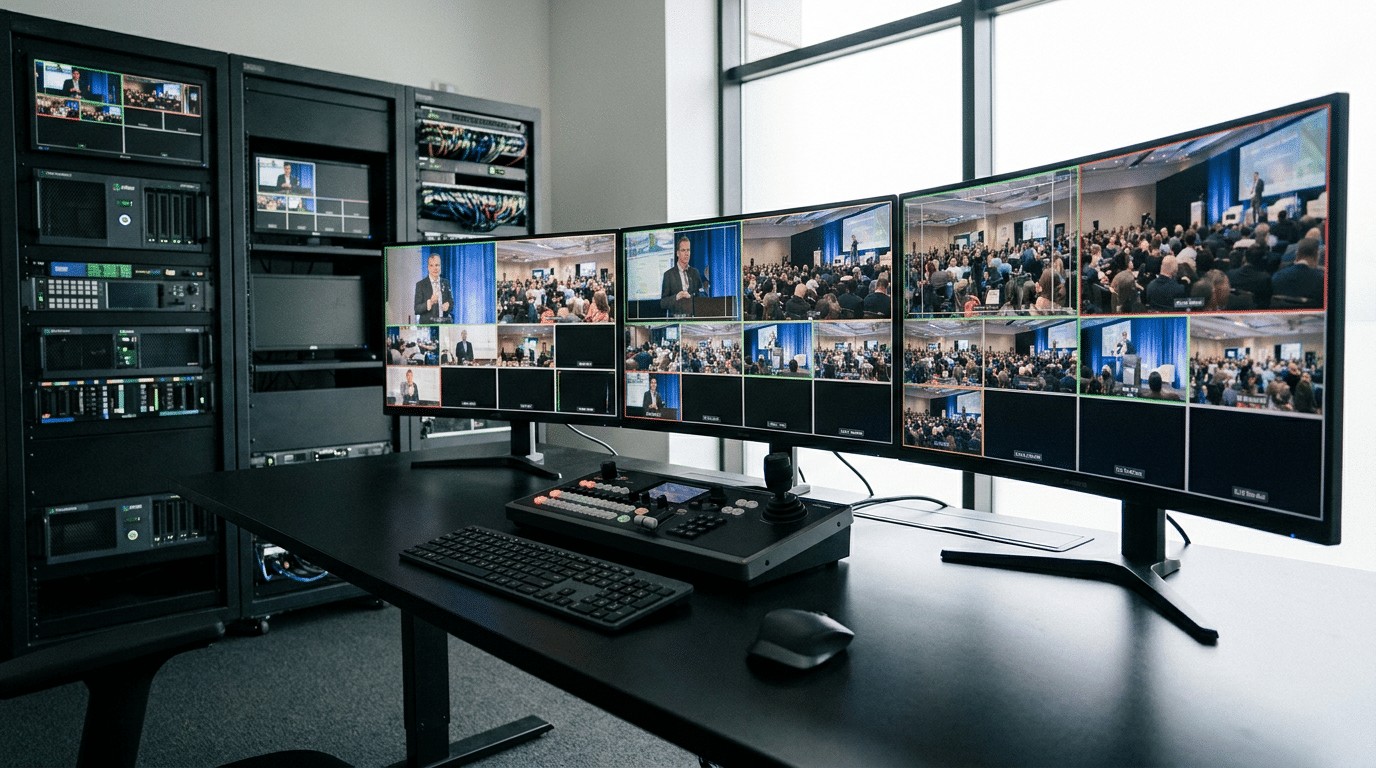
Everet NDI PTZ cameras are designed for integration with NDI-compatible software and production systems including vMix, TriCaster and OBS.
Why Network Design Matters
NDI may run over familiar Ethernet infrastructure, but professional video places considerably greater demands on a network than ordinary office traffic.
The first consideration is aggregate bandwidth.
For example, ten 1080p60 High Bandwidth NDI sources at roughly 130 Mbps each can theoretically represent around 1.3 Gbps of video traffic before considering additional traffic and routing. That is already beyond a single 1 GbE link.
The same number of HX2 feeds might use only a fraction of that bandwidth.
This is why the choice between High Bandwidth, HX2 and HX3 is not simply about image quality. It directly affects network architecture.
For larger installations, pay attention to:
-
1 GbE versus 10 GbE uplinks
-
Switch backplane capacity
-
Number of simultaneous camera streams
-
Unicast versus multicast distribution
-
VLAN design
-
Network security
-
PoE or PoE+ power budgets
-
Network interface capacity of receiving systems
A managed AV network also makes troubleshooting and capacity planning considerably easier.
Unicast and Multicast
In a straightforward NDI workflow, a receiver can subscribe directly to a sender.
With unicast, each receiving connection consumes additional bandwidth from the sender or network path. If one camera is being watched simultaneously by several destinations, bandwidth usage can therefore increase.
Multicast can be useful in larger environments where the same source must reach many receivers, but it requires compatible endpoints and properly configured network infrastructure.
For this reason, multicast should be treated as part of network design rather than simply enabled because it is available.
How NDI Sources Are Discovered
One of the conveniences of NDI is source discovery.
On a simple local network, NDI devices can discover each other automatically. A production application may therefore show cameras by source name rather than requiring the operator to manually enter the IP address of every device.
In larger networks, however, automatic discovery across VLANs and subnets can become more complex.
NDI Discovery Server
An NDI Discovery Server provides a centralized method for registering and locating NDI senders and receivers. It is an alternative to default mDNS-based discovery and can be useful in managed or segmented networks.
A useful distinction is that the Discovery Server does not normally carry the actual video stream.
It helps devices find one another. Once the sender and receiver establish a connection, the media travels over the network path between those endpoints.
Redundant Discovery Servers can also be configured for more resilient workflows.
NDI Access Manager
NDI Access Manager provides control over which sources are visible to particular systems by using send and receive groups.
This can be useful in larger organizations where not every studio, classroom or production environment should automatically see every available NDI source.
For IT departments, this separation between media transport, discoverability and access organization is an important part of designing scalable NDI deployments.
NDI Bridge: Taking NDI Beyond the Local Network
NDI is commonly associated with local networks, but modern production is increasingly distributed.
NDI Bridge allows NDI infrastructures in different locations to connect across a WAN or the public internet. NDI describes Bridge as a way to share NDI streams between remote NDI networks.
A simplified workflow looks like:
Remote location → NDI Bridge → Internet/WAN → NDI Bridge → Production location
This is particularly useful for:
-
Remote production
-
Distributed studios
-
Centralized production facilities
-
Remote camera contribution
-
Multi-location events
-
Education and corporate networks across sites
Instead of converting every camera into a completely separate internet contribution workflow, Bridge allows the remote location to remain part of an NDI-oriented production architecture.
Embedded NDI Bridge in Professional Cameras
NDI 6 introduced the ability for Bridge functionality to be integrated directly into devices and applications.
This becomes particularly interesting for PTZ cameras because the remote site no longer necessarily requires a separate computer running NDI Bridge next to the camera.
For example, the current Everet EVPRO2 incorporates embedded NDI Bridge functionality. This allows the camera to establish encrypted NDI connectivity over WAN while remaining discoverable from a remote NDI production environment, without requiring an additional Bridge computer at the camera location.
That changes the architecture from:
Camera → local PC running Bridge → WAN
to:
Camera → WAN → remote NDI production environment
For remote and decentralized production, removing that additional hardware layer can simplify deployment considerably.
NDI Bridge or SRT?
NDI Bridge and SRT can both be used in remote production, but they solve the problem differently.
SRT is primarily a reliable transport protocol for sending individual video streams over unpredictable networks and the public internet.
NDI Bridge is designed to extend the broader NDI environment between networks.
This distinction matters when PTZ control, metadata, discoverability and integration with an existing NDI infrastructure are important.
A production may therefore use:
NDI internally and SRT for contribution, or
NDI Bridge to extend an NDI workflow between locations.
Neither architecture is universally better. The correct choice depends on the production environment, available bandwidth, latency requirements and how much of the NDI workflow needs to remain available remotely.
NDI Compared with SDI and HDMI
NDI does not make SDI or HDMI obsolete.
Each technology has a different role.
SDI
SDI remains extremely effective for reliable, point-to-point professional video transport. It offers predictable performance and remains common throughout broadcast environments.
HDMI
HDMI provides an accessible point-to-point connection and is widely used with displays, cameras and production equipment, particularly over shorter distances.
NDI
NDI introduces routing flexibility.
Once a camera becomes a network source, it can potentially be selected by different production systems without physically repatching the video connection.
That makes NDI particularly useful when installations need to scale, change frequently or distribute video to multiple destinations.
Many professional cameras therefore provide both IP and baseband outputs rather than forcing the user to choose one architecture exclusively.
Can NDI Carry PTZ Control?
Yes, NDI can support PTZ commands and related metadata, but support must exist at both sides of the connection.
A receiving application may provide:
-
Pan and tilt
-
Zoom
-
Preset recall
-
Tally
-
Camera parameter control
But receiving NDI video does not automatically guarantee that every camera function can be controlled through that same application.
Professional systems may also use protocols such as VISCA over IP alongside NDI.
This allows integrators to select the control workflow that best fits the installation.
Does NDI Provide Power?
No.
NDI transports media and related data. Electrical power remains a separate function.
Many professional PTZ cameras support Power over Ethernet, allowing video, network control and electrical power to share the same physical Ethernet cable.
However, the switch or injector still has to supply the correct PoE standard and sufficient power.
When designing a multi-camera system, always calculate the total PoE budget of the switch rather than looking only at the power requirement of an individual camera.
Everet Imaging and the NDI Ecosystem
Everet Imaging develops professional IP camera solutions for broadcast, Pro-AV and streaming applications.
The current product portfolio includes different NDI formats, allowing system designers to select cameras according to their workflow and network requirements:
-
EVPRO Series — professional 4K60 IP production cameras with HX2/HX3 capabilities depending on configuration and resolution
-
EVZ Series — compact NDI HX2 POV/box camera solutions
This gives integrators the option to choose between maximum responsiveness, efficient bandwidth usage, high-resolution production and different physical camera formats rather than treating NDI as one universal configuration.
Choosing the Right NDI Camera
When selecting an NDI PTZ camera, do not look only at the NDI logo.
Consider the complete workflow:
Resolution and frame rate Do you require Full HD or 4K, and at what frame rate?
NDI format Does your production favour High Bandwidth, HX2 or HX3?
Network capacity How many simultaneous sources and receivers will use the same infrastructure?
Latency Is the camera being used for live IMAG, broadcast switching or a less latency-sensitive workflow?
Optics What sensor size, optical zoom range and low-light capability does the production require?
Control Will the camera be operated through NDI, VISCA, a dedicated PTZ controller or a cloud-based control platform?
Power Can the network infrastructure supply the required PoE standard and total power budget?
Remote production Does the workflow require SRT, NDI Bridge or another WAN contribution method?
NDI is one component of the complete camera system. Optical performance, image processing, control, networking and system integration remain equally important.
Frequently Asked Questions
Does NDI require an internet connection?
No. NDI works on a local IP network without internet access.
Internet connectivity becomes relevant when production locations must be connected remotely, for example through NDI Bridge or another contribution technology.
Is NDI the same as a codec?
No. NDI is a connectivity technology and ecosystem. Different NDI formats use different codecs, including SpeedHQ, H.264 and H.265.
What is the difference between NDI HX2 and HX3?
Both can use H.264 or H.265, but HX3 operates at higher bitrates and is designed for lower latency and a different balance between network efficiency and production responsiveness.
Is NDI High Bandwidth the same as Full NDI?
“Full NDI” is an older informal term. NDI’s official terminology is NDI High Bandwidth.
Can NDI run over Wi-Fi?
It is technically possible in some workflows, but wired Ethernet remains preferable for predictable professional production, especially where several high-quality video sources operate simultaneously.
Can an NDI camera work with vMix?
Yes, provided the camera sends an NDI format supported by the receiving system. Everet NDI cameras are designed for use with compatible production environments including vMix, OBS and TriCaster.
What is NDI Bridge?
NDI Bridge connects NDI environments across different networks or WAN connections, allowing remote NDI workflows to operate between locations.
Do I need a Discovery Server?
Not necessarily. Smaller NDI installations can operate with normal local discovery. A Discovery Server becomes particularly useful in larger, segmented or centrally managed environments.
Building an NDI Workflow Around the Production, Not Just the Protocol
The main advantage of NDI is not simply replacing an SDI cable with Ethernet.
Its real value is that video becomes part of a routable IP production environment.
Cameras can be discovered dynamically, sources can be shared with multiple applications, production systems can be distributed across locations and camera control can become part of the same wider network architecture.
The choice between NDI High Bandwidth, HX2 and HX3 should therefore be based on the complete production requirement rather than on which format appears newest.
For compact corporate or education installations, network efficiency may be the priority. For high-end studio switching, latency and processing performance may matter more. For distributed production, technologies such as NDI Bridge can extend the workflow beyond the local facility.
That is where NDI becomes more than a transport protocol: it becomes part of the production architecture.